Construction calculator
Add, subtract, multiply, and divide feet, inches, fractions, decimals, and metric values. Convert the result without retyping.
 ONSITE
Construction math, retooled
Exact math for feet, inches, fractions, rafters, spacing, plan scale, materials, and real project costs. Works offline.
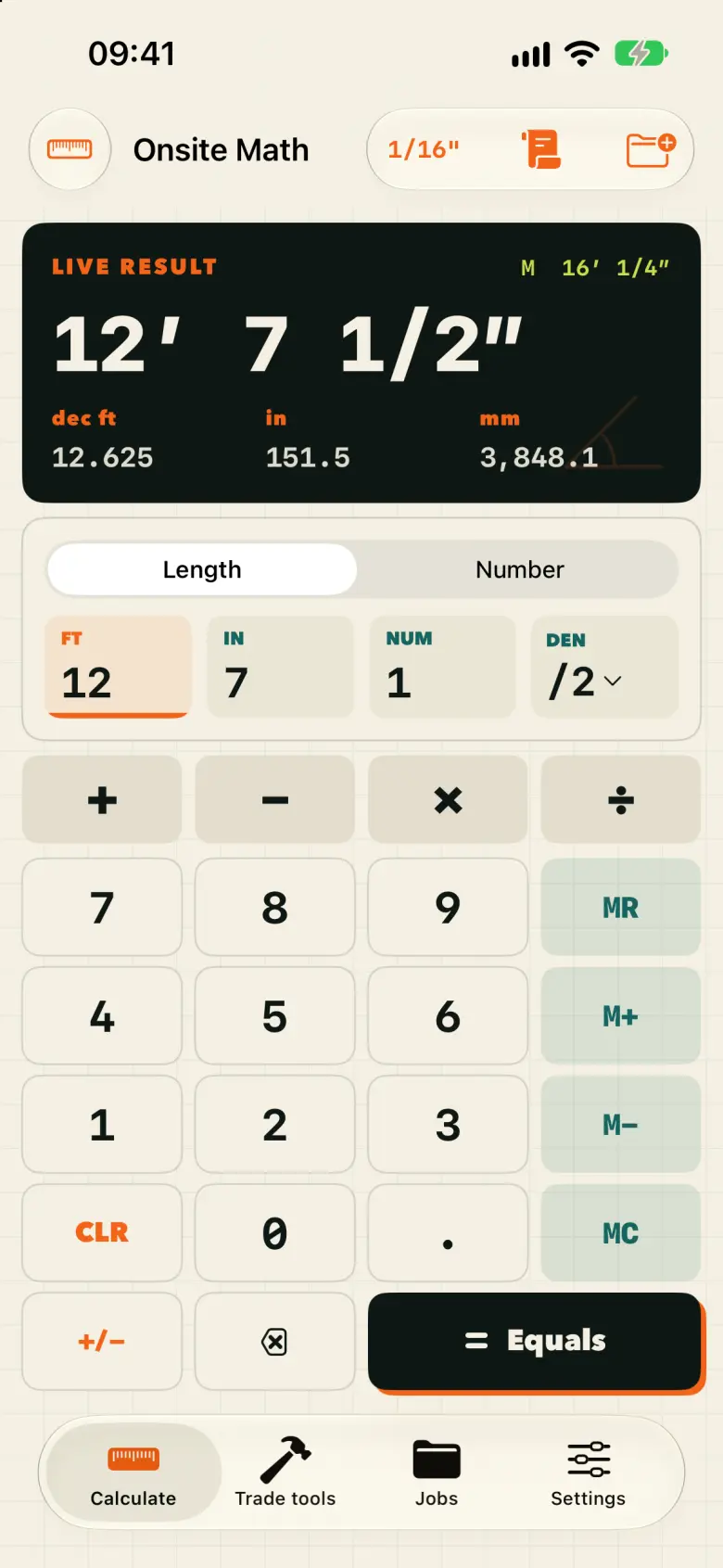
Every tool follows the same clean input → answer → save flow, so the app stays quick even when the job gets complicated.
Add, subtract, multiply, and divide feet, inches, fractions, decimals, and metric values. Convert the result without retyping.
Layout stairs, common rafters, pitch, rise, run, and cut lengths with diagrams that explain the answer.
Set balusters, joists, posts, or panels evenly by count or target spacing, with exact marks.
Translate drawing measurements into full-size dimensions across architectural and engineering scales.
Estimate concrete, flooring, drywall, paint, tile, and lumber with waste, unit costs, tax, and labor included.
Keep calculations attached to the right project, then create a clean report for clients, crews, or your own records.
Field test
Tap a real-world calculation to see how Onsite Math keeps feet, inches, and fractions readable.
6.581 m
Use construction-first inputs and see the exact answer immediately.
Add waste, tax, labor, and local rates while the assumptions stay visible.
Organize results by job and export a professional PDF when it is time to hand off.
Onsite Math works offline, needs no account, contains no ads, and does not use third-party analytics. Job data remains yours.
Read the plain-language privacy policy →automated calculation checks passed
Use imperial, metric, or both. Onsite Math ships in 11 languages from day one.
The fraction calculator and unit converter stay free. Try each Pro tool once with your own numbers before choosing a plan.
Unlimited use of the Pro trade tools, plus jobs, material lists and PDF reports. Choose a monthly or yearly subscription, or a one-time Lifetime purchase. Prices and availability are shown in your App Store before confirmation.
Monthly and yearly plans renew automatically until cancelled in your Apple Account subscription settings. Lifetime does not renew; buying it does not automatically cancel an existing subscription. Restore purchases with the Apple Account used to buy Pro.
Yes. Calculators, jobs, estimates, and reports are designed to work offline. Internet is only needed for Apple services or when you choose to share something.
Yes. Save calculations and estimates under the right job, then return to the work without rebuilding your inputs.
Yes. You can calculate in feet, inches, fractions, decimal units, and metric, then convert results without starting over.
Costed estimates include materials, waste, labor, tax, and unit costs. Always review quantities and local requirements before issuing a commercial quote.
No. Onsite Math stores job data locally and has no account system or third-party analytics. See the privacy policy for details.
Best construction calculator app for iPhone? Choose by the job